Carlo Gavazzi EM111
Guide for the Carlo Gavazzi EM111 energy meter.
- EM111DINAV81XS1PFB
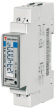
Setting the node number
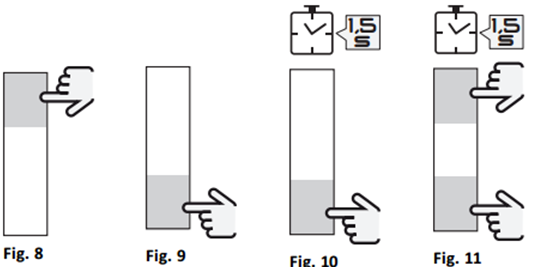
It has two touch-sensitive areas as shown in fig. 8 and fig. 9.
Start setting the node number:

Press the lower half for 1.5 seconds as shown in fig. 10 to start programming:

Wait 3 seconds:

Press the lower half 4 times as shown in fig. 10 to enter the password '0000':

Press the upper half 5 times as shown in fig. 8 to reach the point where the node number can be set:
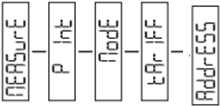
Press the upper half once as shown in fig. 10 to select the node number setting:
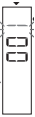
Press the upper half as shown in fig. 8 to increase a digit.
Press the lower half as shown in fig. 9 to decrease a digit.
Press the lower half as shown in fig. 10 to select the next digit.
Continue until the desired node number is shown, then press the lower half as shown in fig. 10 to complete the setup:

Press the upper half as shown in fig. 8 4 times:
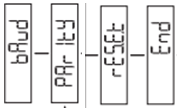
Press the lower half as shown in fig. 10 to exit programming.
After 120 seconds, the unit always returns to the start screen.